Production & creators
Narrow down candidates on the catalog and map, then walk them in your browser.
- ✓Search the catalog & map
- ✓Walk through in the browser
- ✓Check the board for local notes
- ✓Visit only the finalists
Locahun3D scans real locations into 3DGS (3D Gaussian Splatting) data and lists them on this catalog. You can check a space's size, ceiling height and lighting without visiting, and buy the 3D data itself when you need it.

Narrow down candidates on the catalog and map, then walk them in your browser.

One ~20-minute scan gets you listed, and inquiries reach you directly.

Buy the true-to-scale 3D data and use it directly for camera planning and boards.

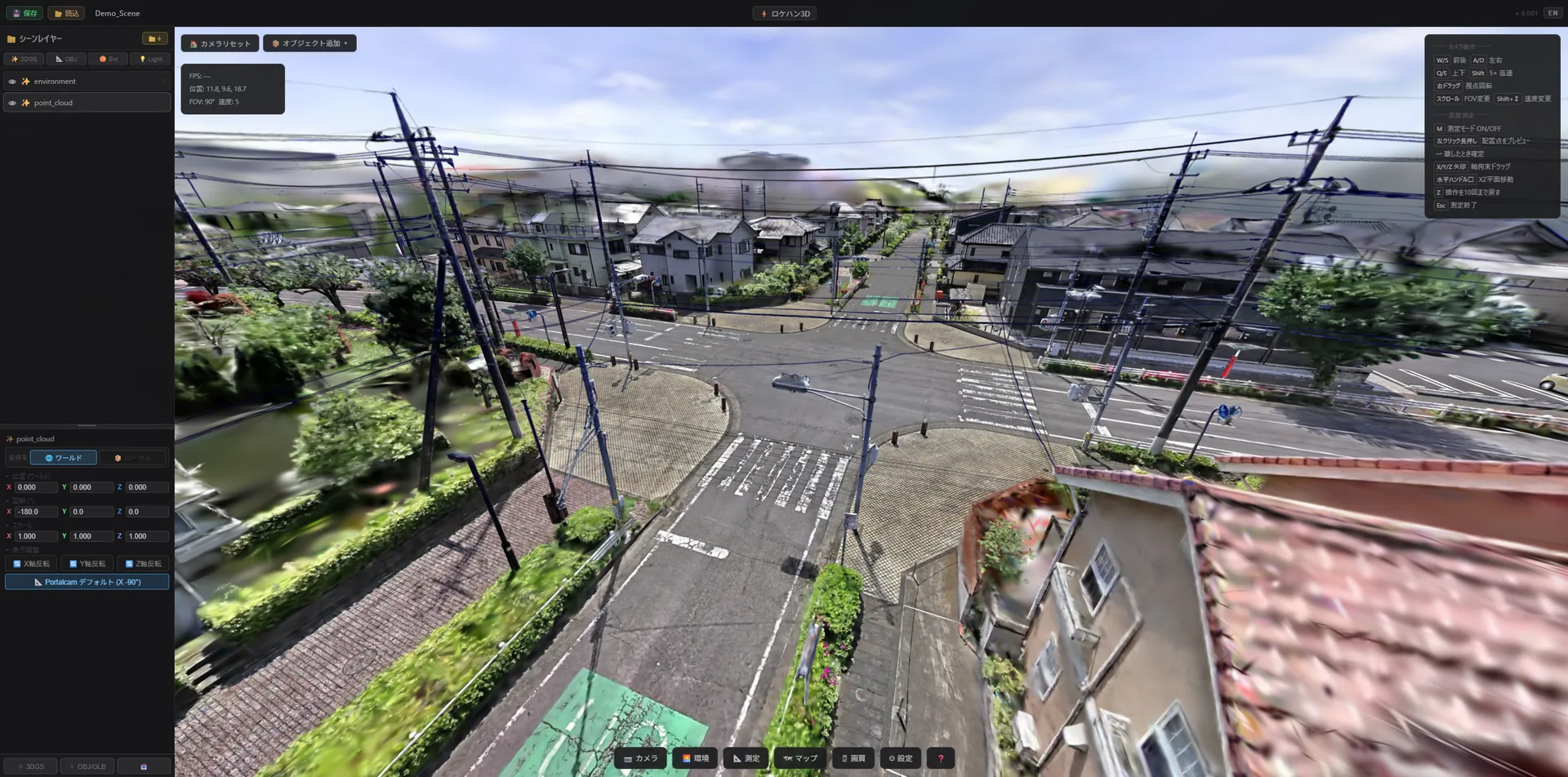
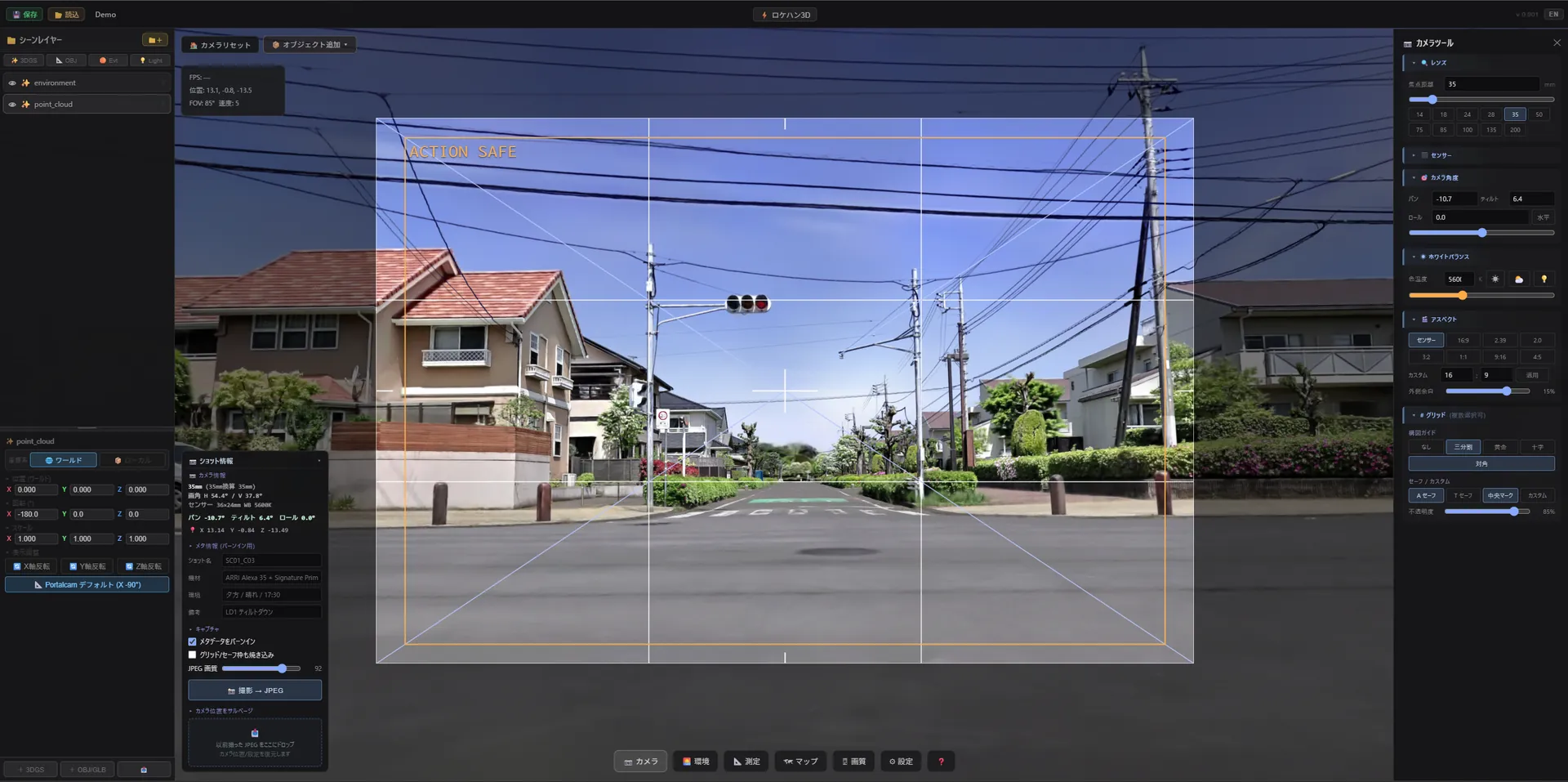
No app install needed. Drag to look around, WASD / touch to move.
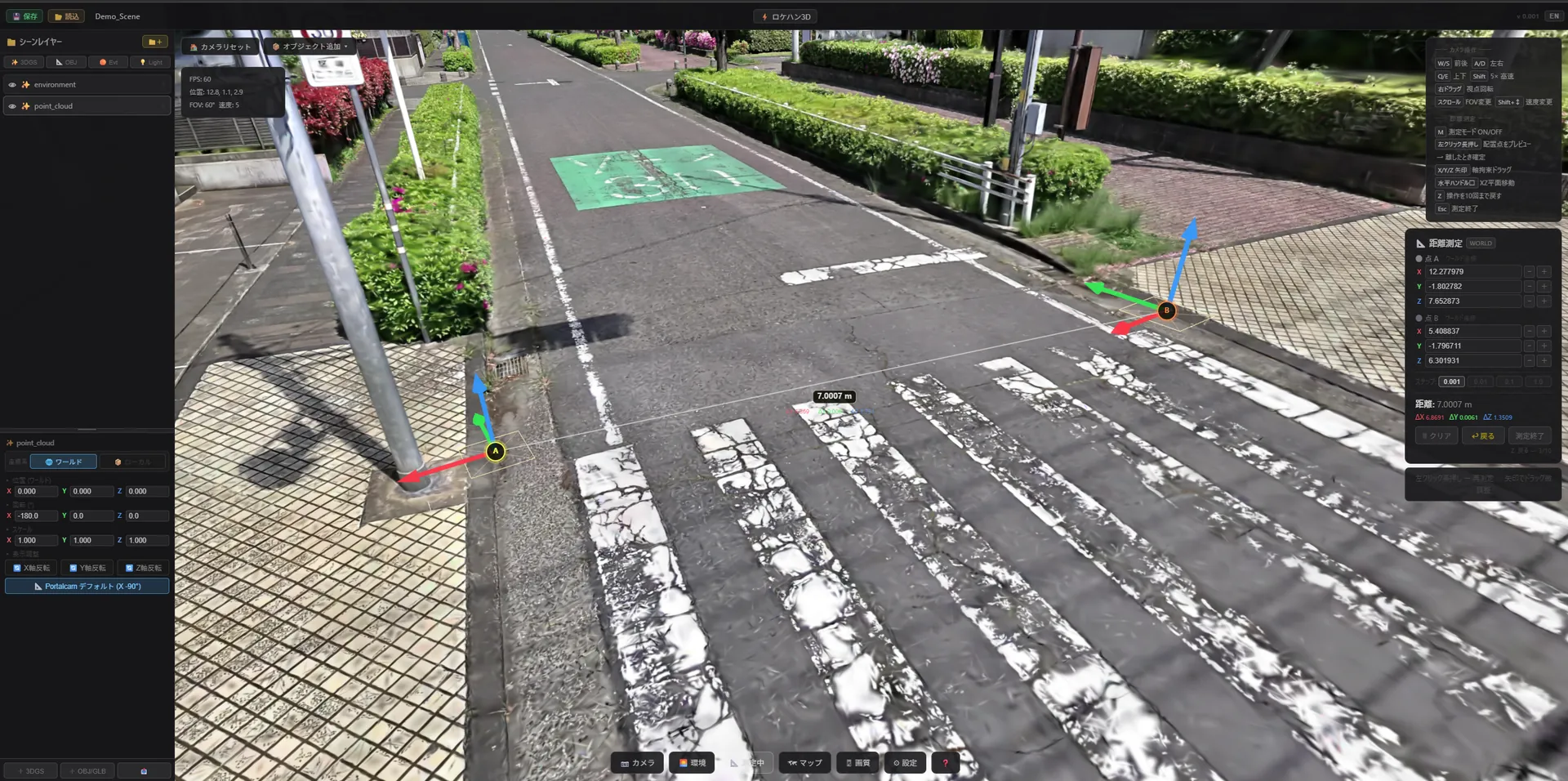
Measure point-to-point distances in the viewer — it records real dimensions and textures, not CG.
Check focal lengths of 14–200mm, aspect ratios, safe frames and composition grids at real angles of view.
From catalog search to sharing with your team, the steps that come before a shoot can all be handled online.
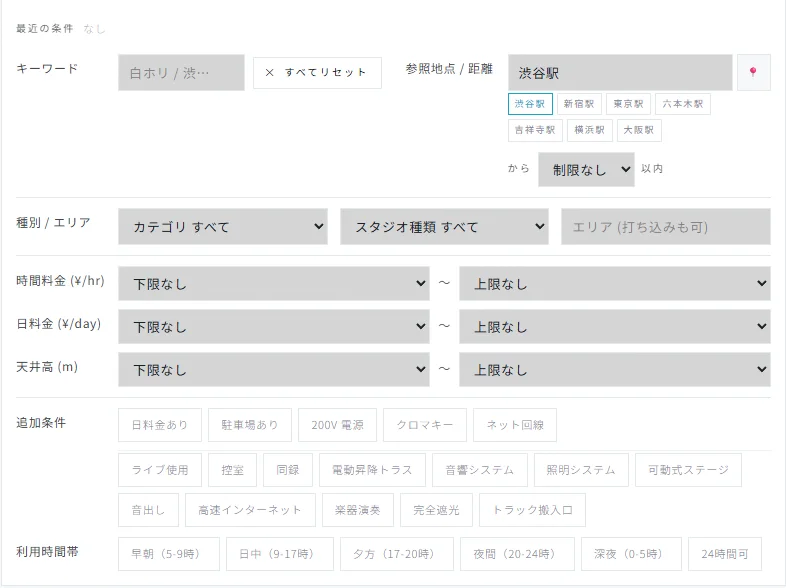
Filter by area, category, price, ceiling height, floor area, power, parking and time slots. Sort by distance from any station or your location.
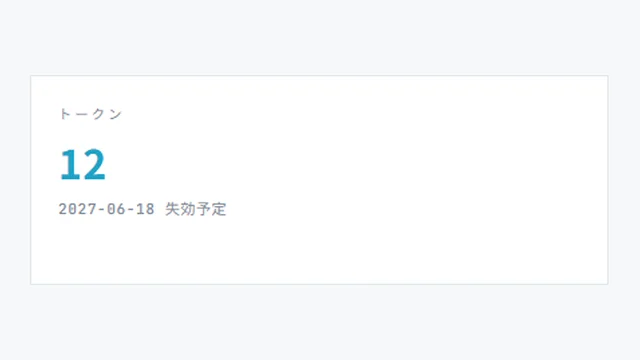
Open a walkthrough right from the property page. Viewing uses tokens — 6 are granted at Free signup.
Measure distances at true scale and frame shots at 14–200mm. Buy the 3D data itself (PLY / RAD / OBJ) when you need it.
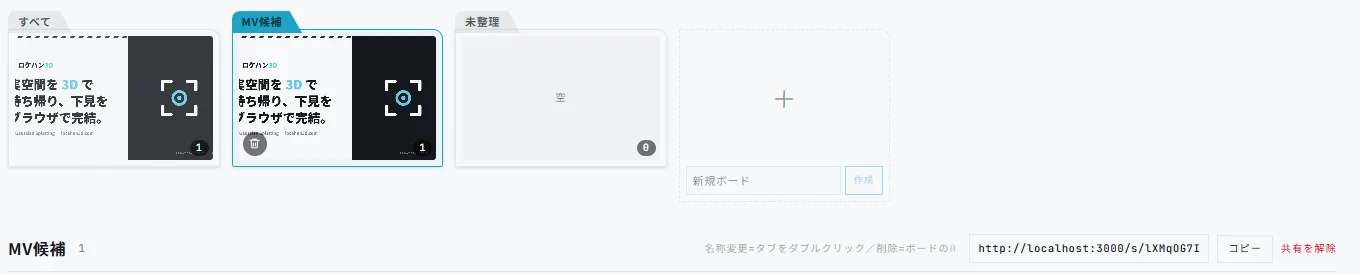
Save properties into named boards. Studio / Team plans can publish read-only share links.
Scanning is a separate service — details at web.locahun3d.com.

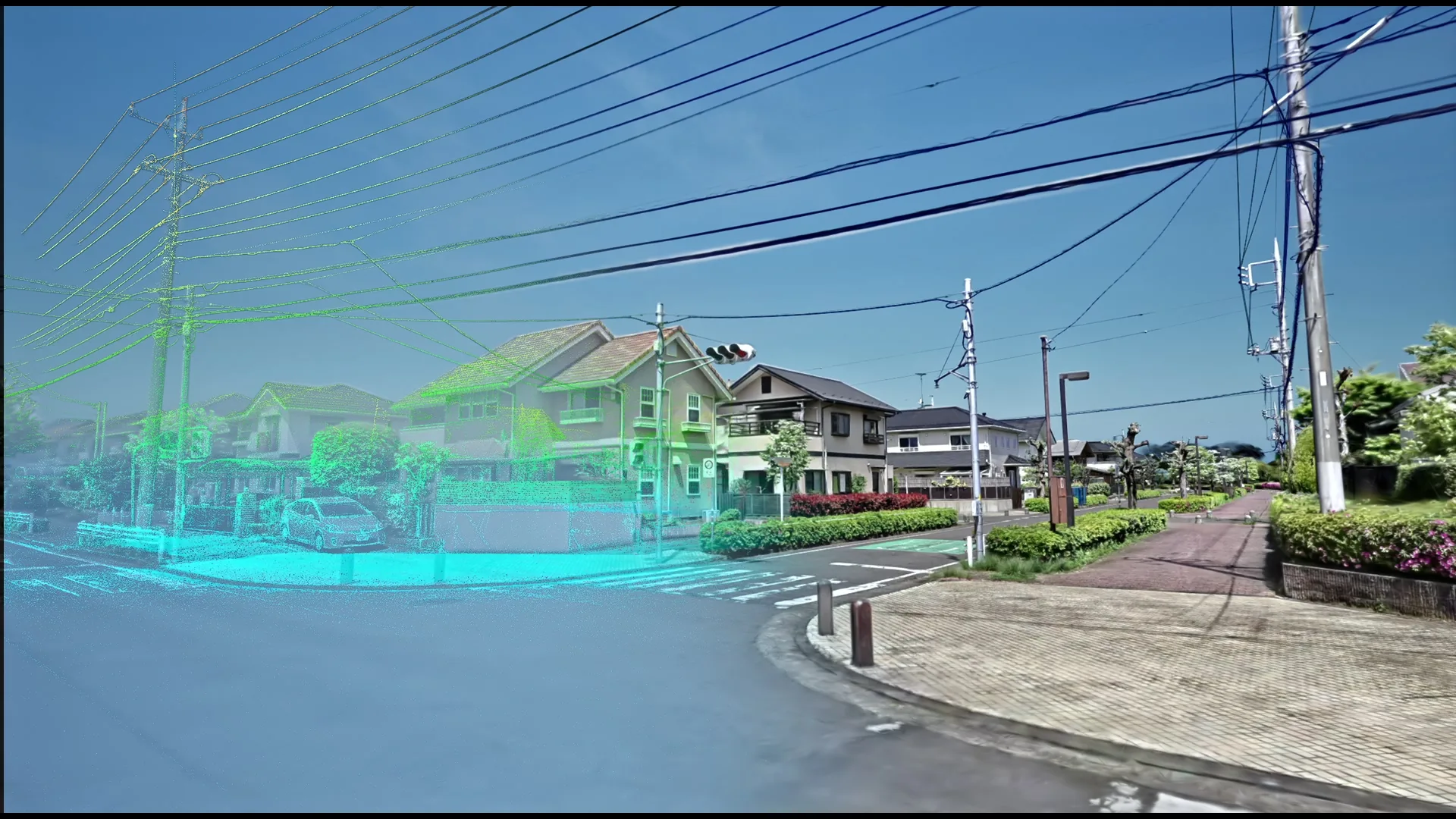
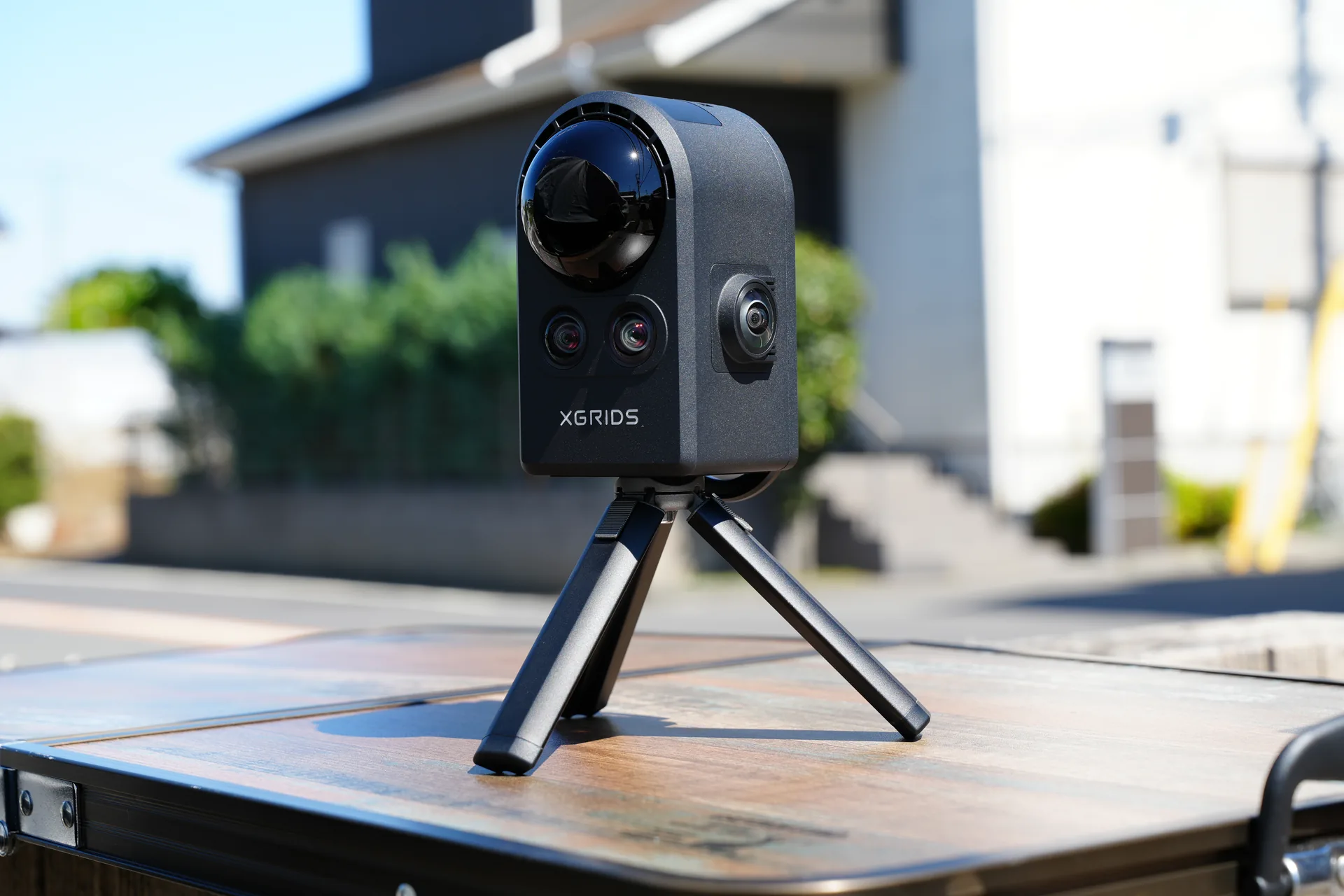
We capture the space by walking through it with PortalCam. About 20 minutes per location.

The capture is reconstructed as 3D Gaussian Splatting — not CG modeling, but the real dimensions, textures and lighting as-is.

The finished capture is listed on the catalog, viewable and purchasable from a browser at any time.
Area, category, studio type, price, ceiling height, floor area, capacity, power (200V), parking, time slots. Distance sort from any station or your location.
Catalog →
Drag to look around, WASD / touch to move. No app install — it runs in the browser. The viewer also measures point-to-point distances.

Set focal length (14–200mm), aspect ratio, safe frames and composition grids to explore framing at real focal lengths. Exports JPEGs with shot metadata.

6 tokens at Free signup; paid plans grant 16–60 per month. Unlocking a scene costs tokens once — revisits are free for 1 year.
Pricing →
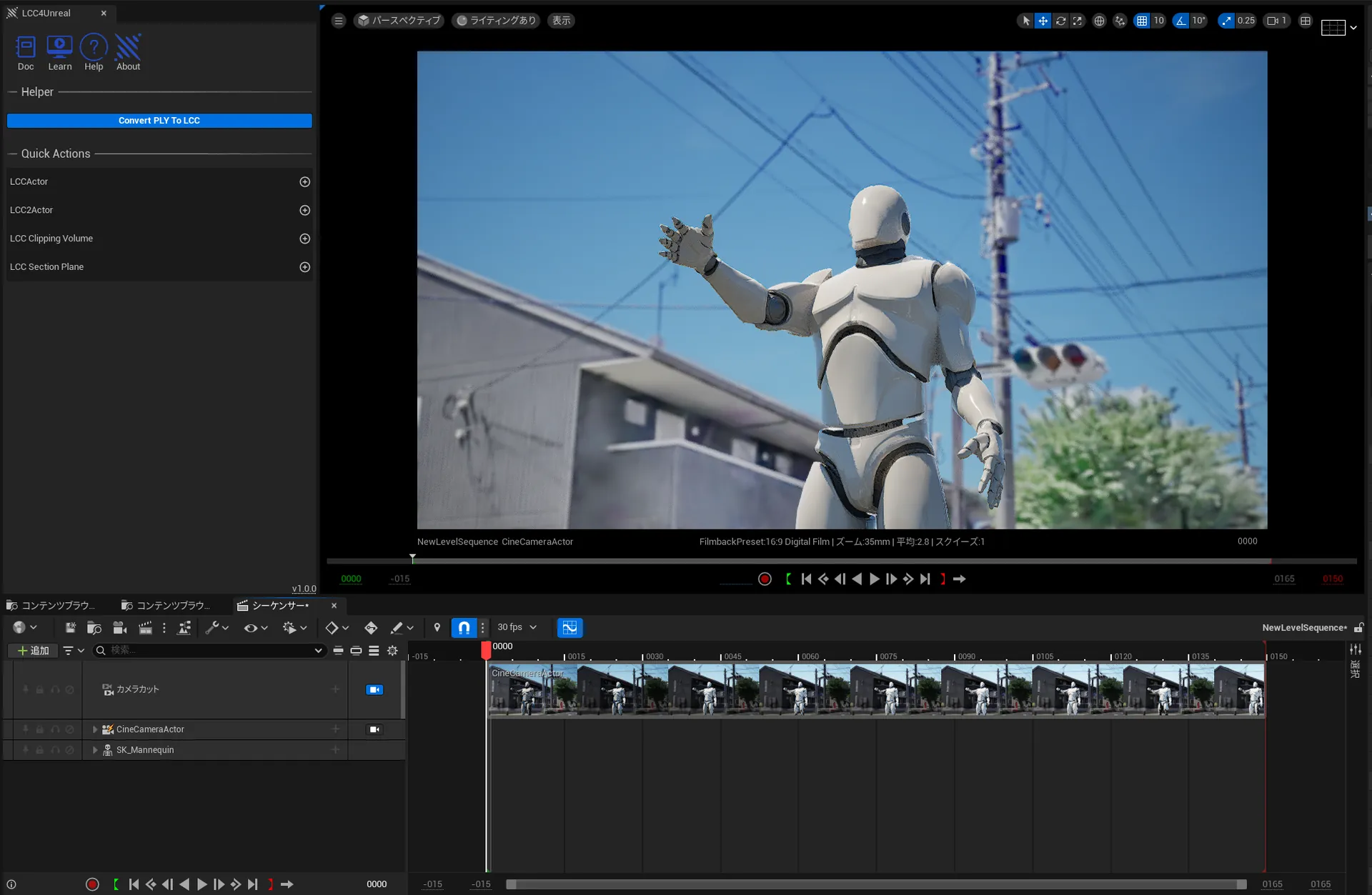
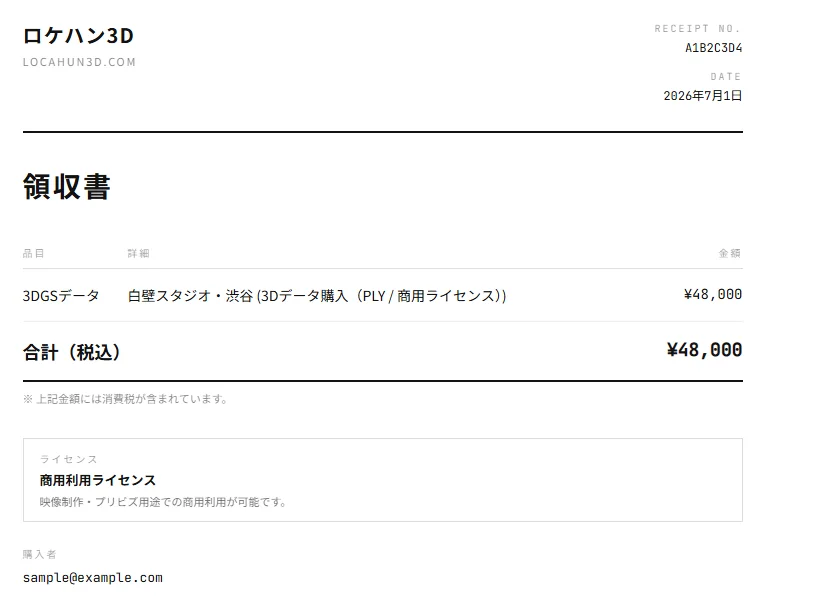
True-to-scale PLY / OBJ. Import into previz / VFX pipelines like Unreal Engine for camera planning and storyboard backgrounds.

Organize candidates into named boards. Studio / Team plans can publish read-only share links per board.

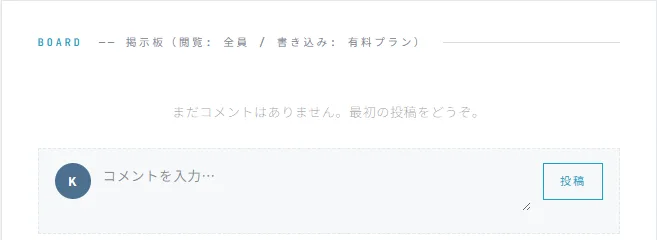
Property boards are readable by everyone; posting requires a paid plan. Inquiry form messages reach the listing studio directly.

Paid plans auto-send monthly invoices (compliant with Japan's e-bookkeeping and invoice systems). Your registration (T) number is applied automatically.

The data also supports uses beyond previz — AI model training sets, digital twins for factories and commercial facilities, and disaster-prevention or training simulations. AI-training use needs prior consultation and a separate agreement, but it's an area we're genuinely excited about — reach out and let's talk.
Ask about use cases →Four plans: Free / Individual / Studio / Team. Walkthrough viewing is token-based, and annual billing saves 20%. The demo requires no sign-up.